

POS for SMEs Just add us on LINE and open your shop Your business helper on a single phone
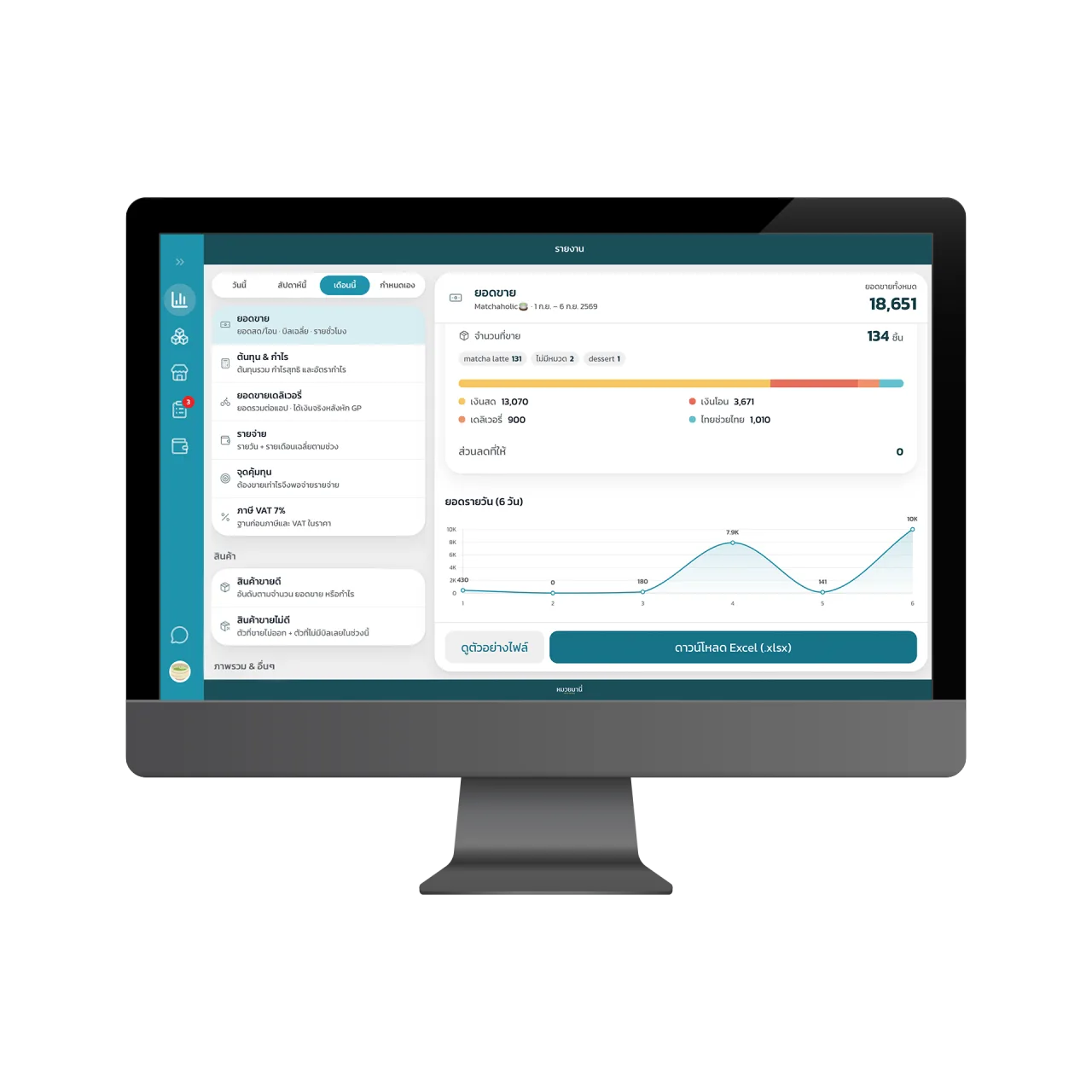
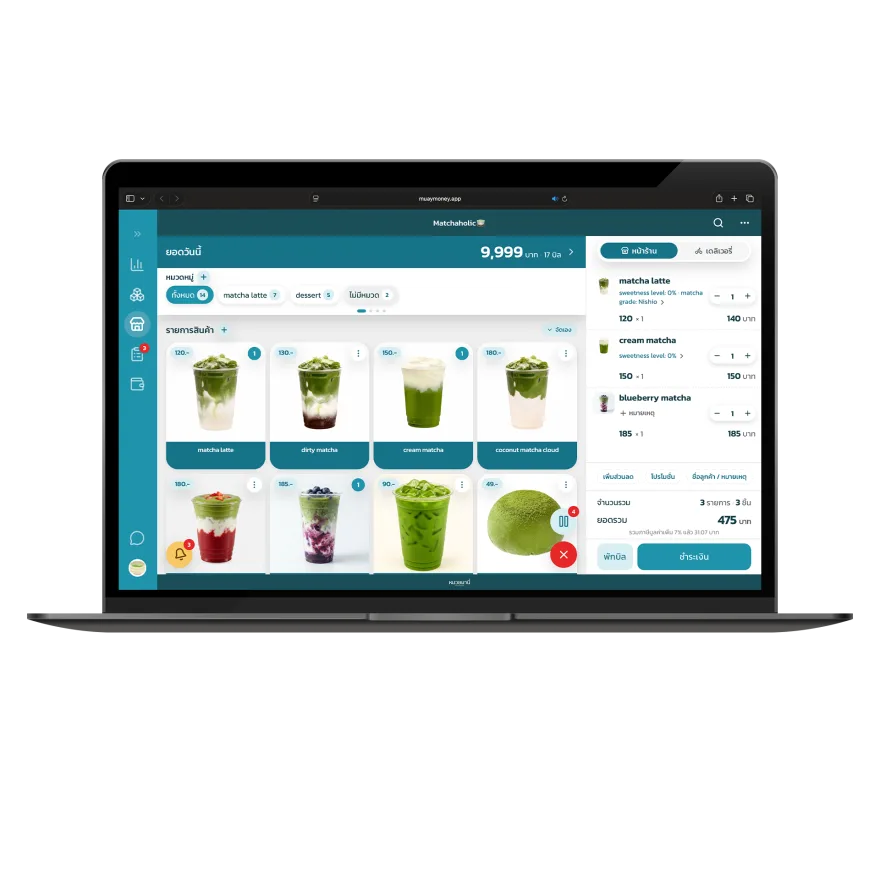
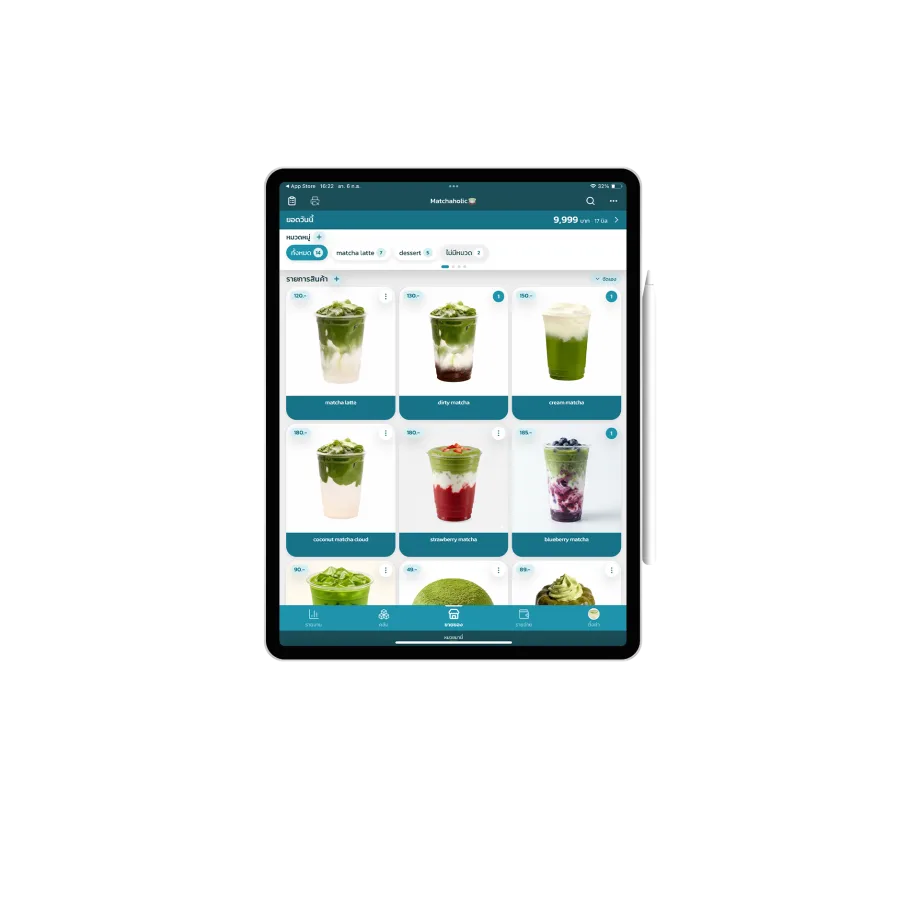
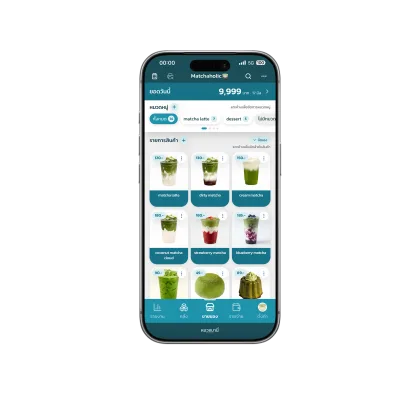
Free to use with no expiry date
Free for 14 days





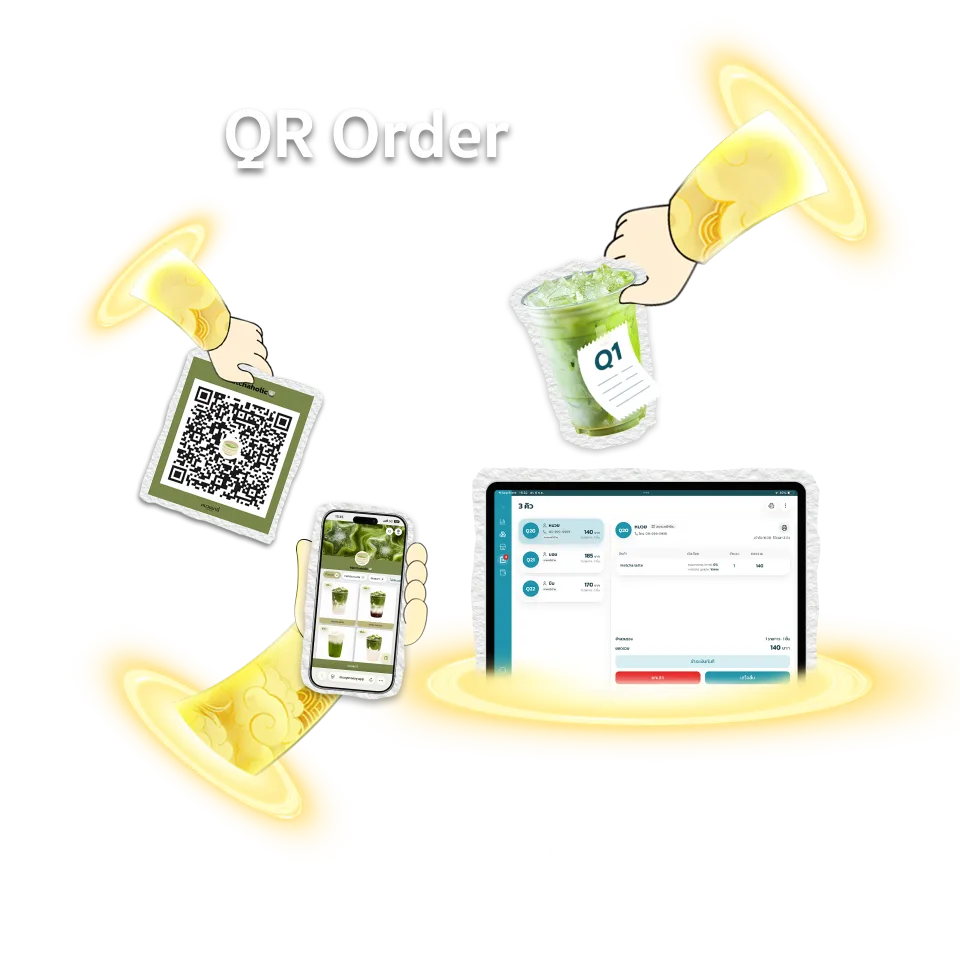
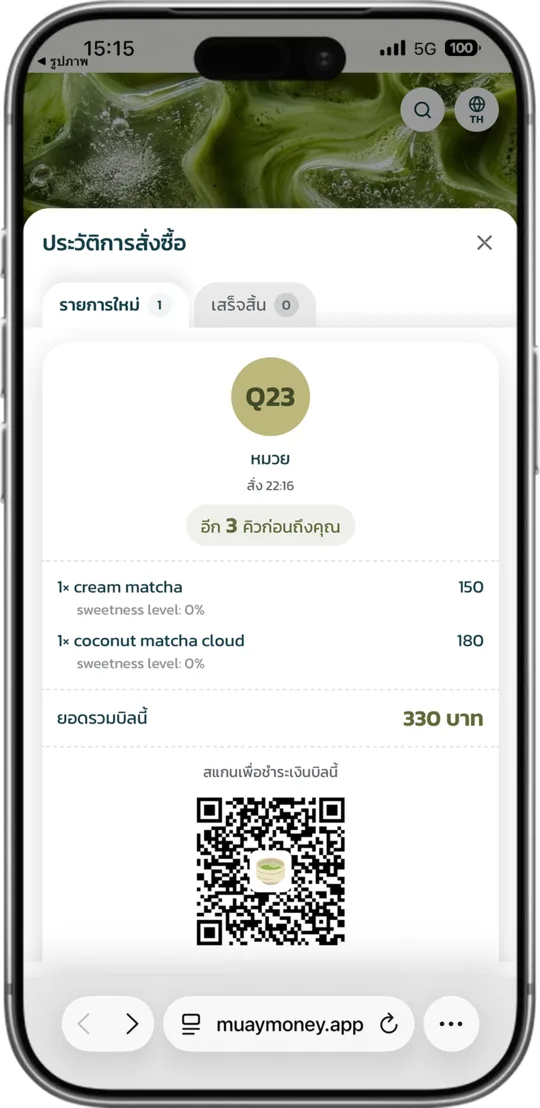
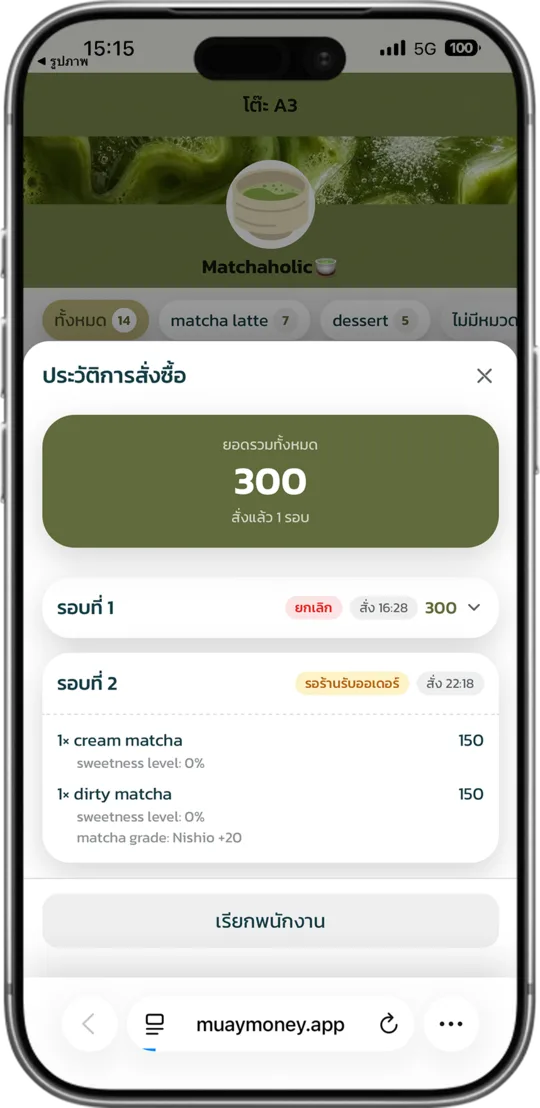
QR Order






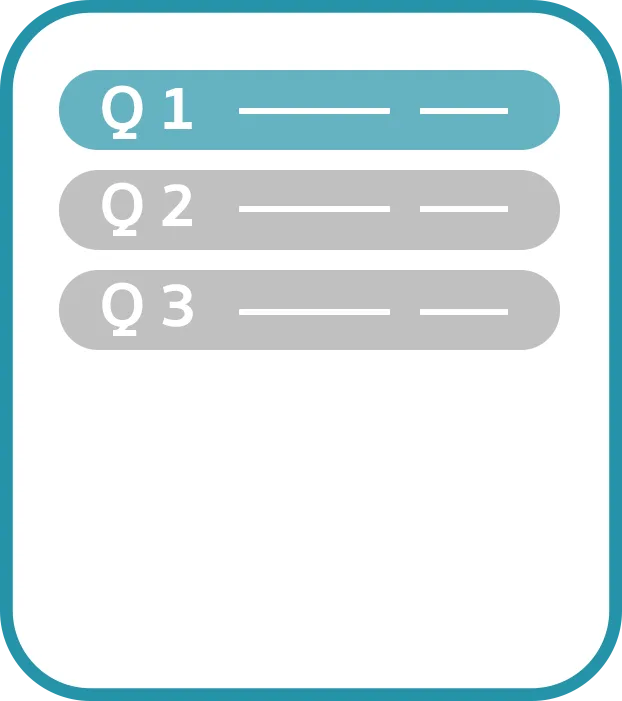

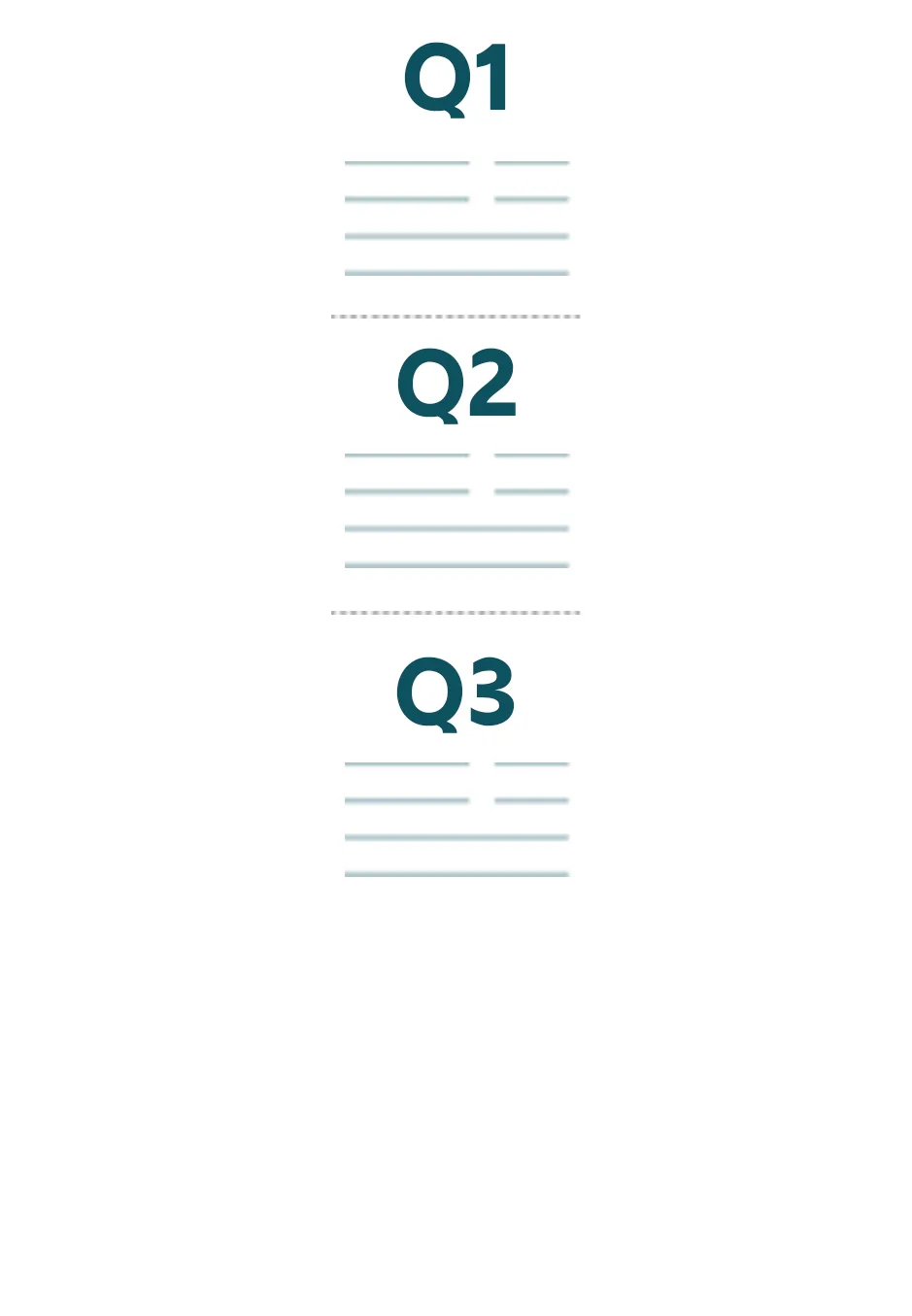
Features
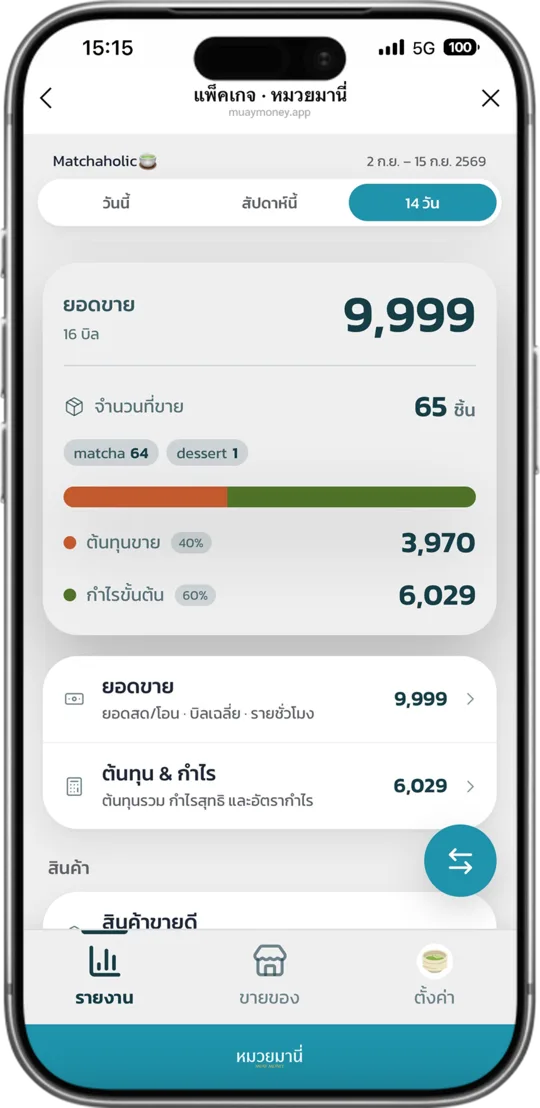
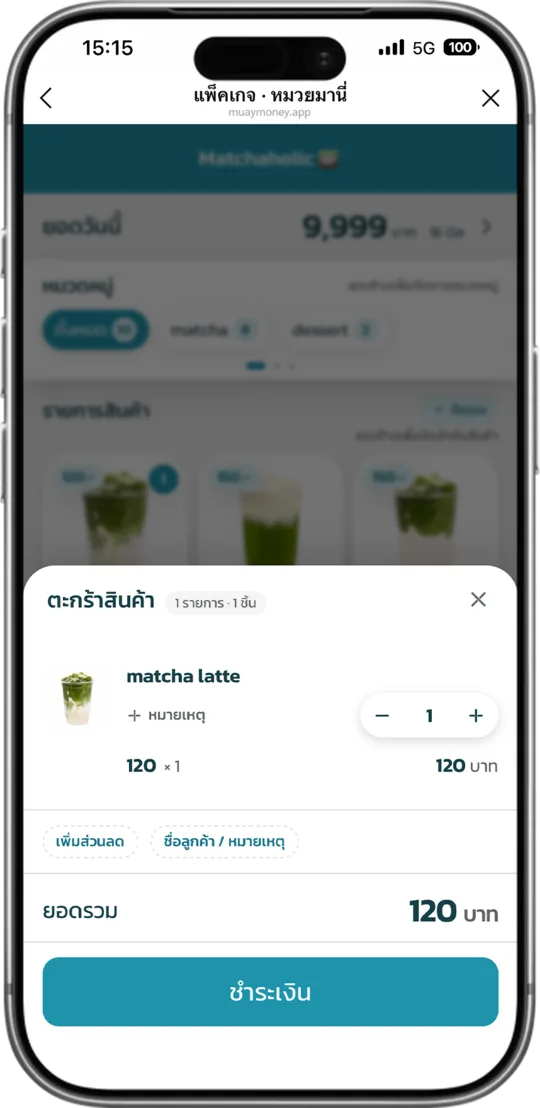
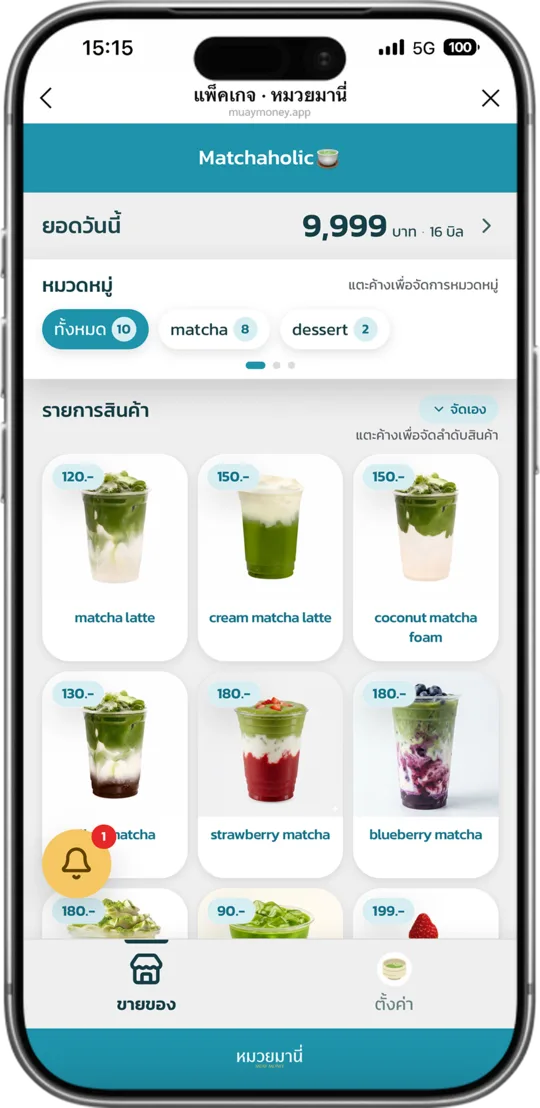
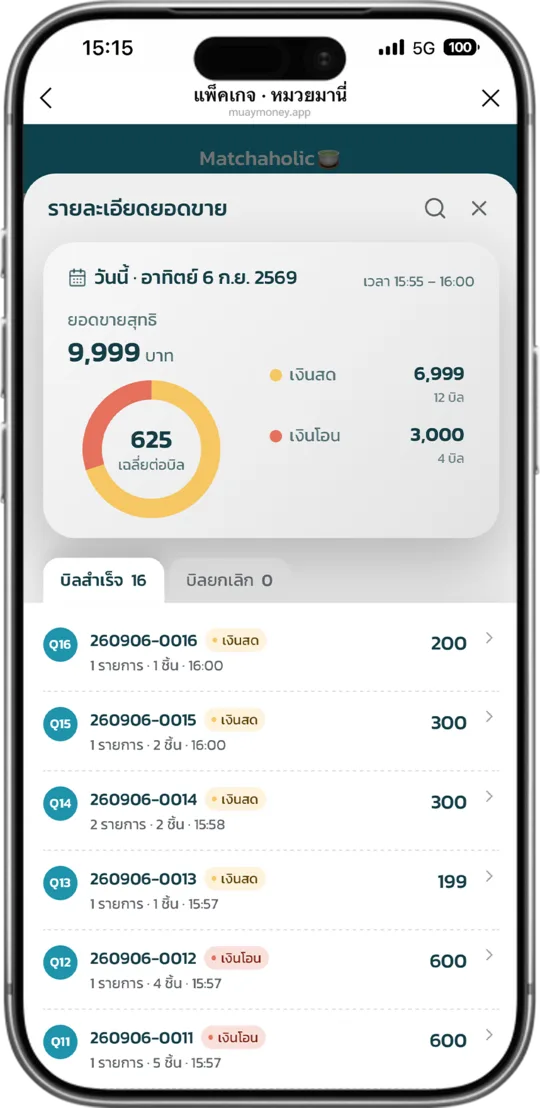
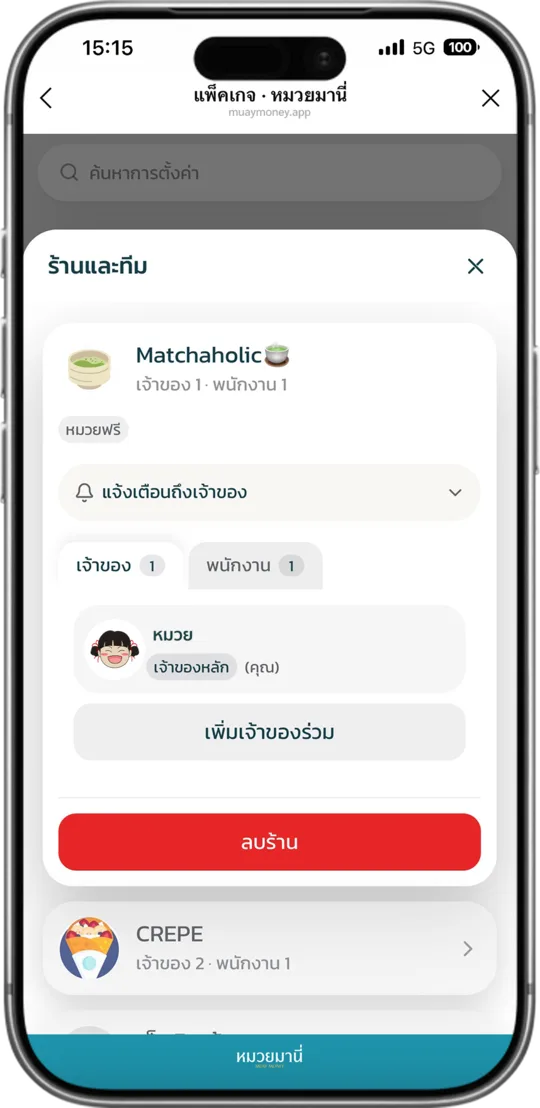
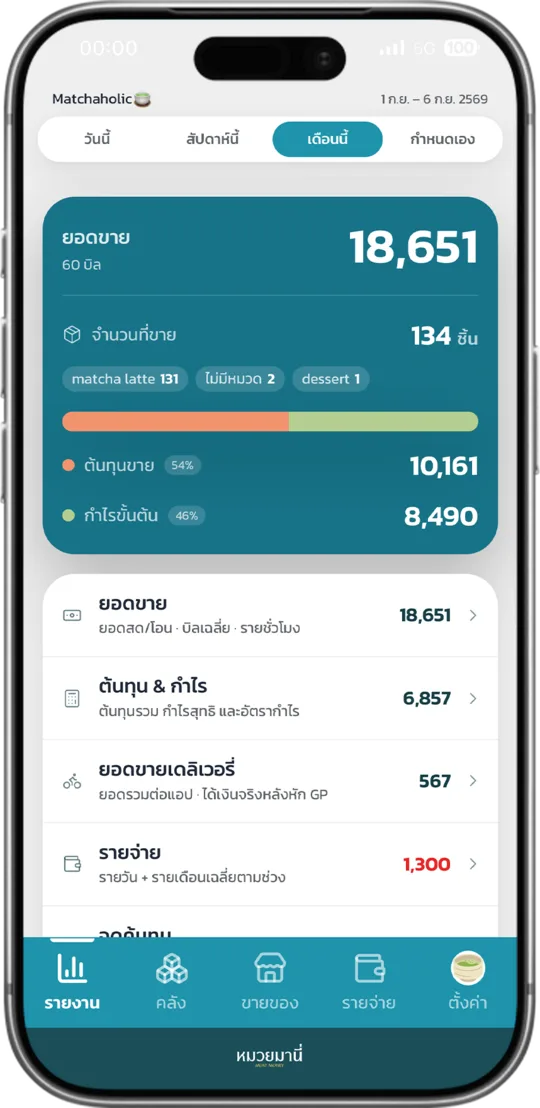
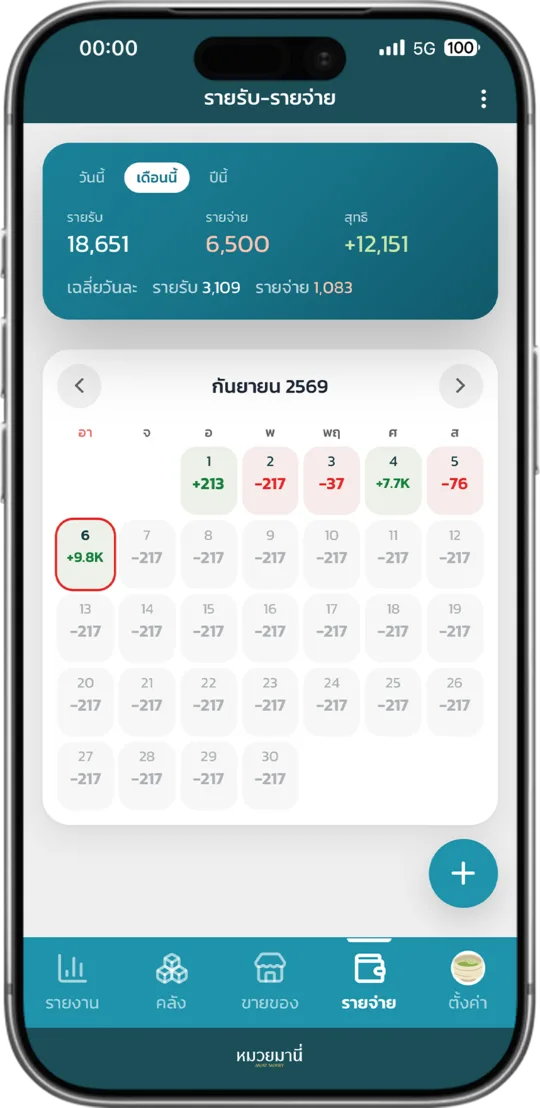
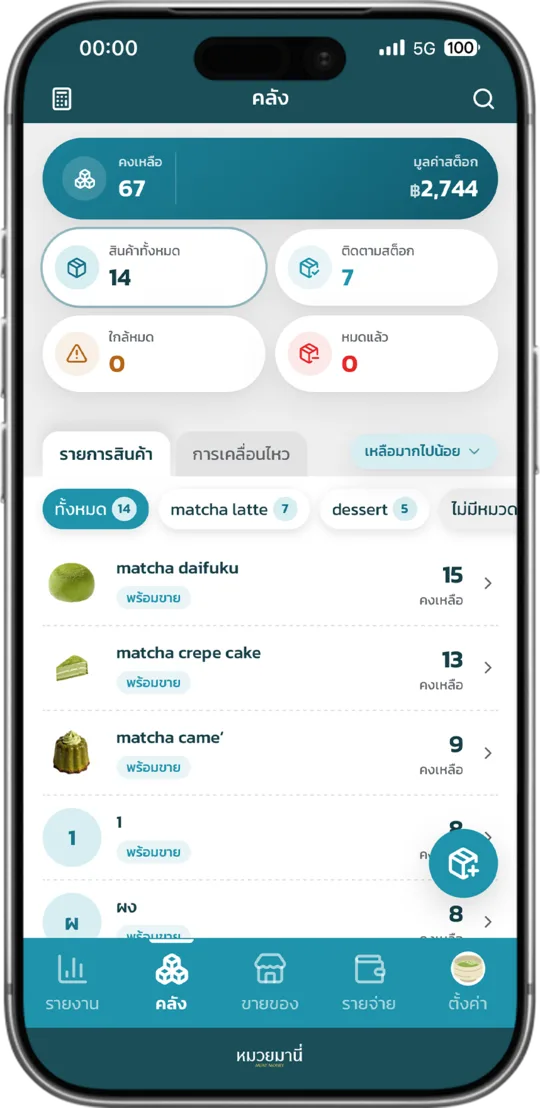
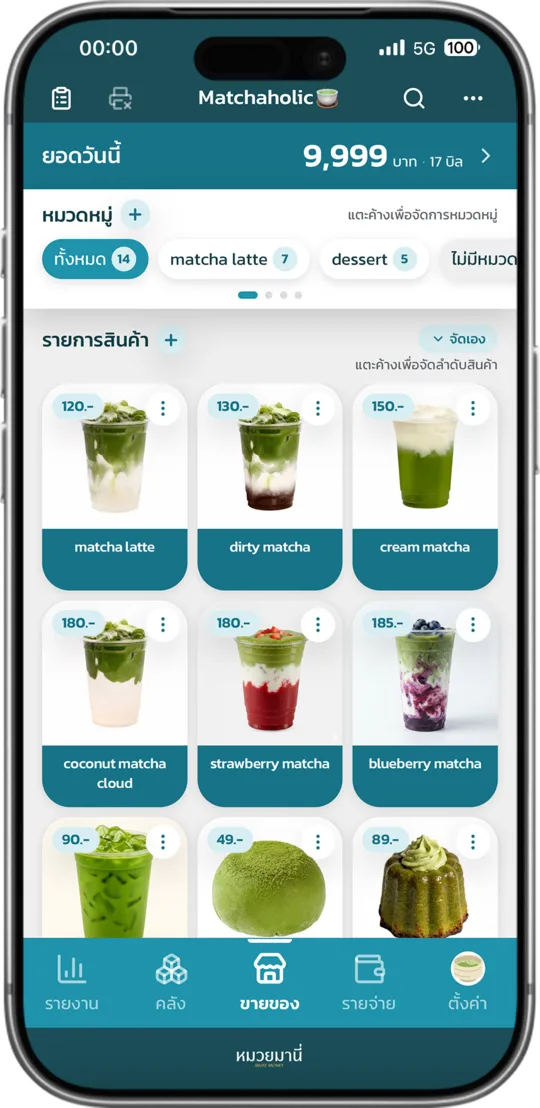
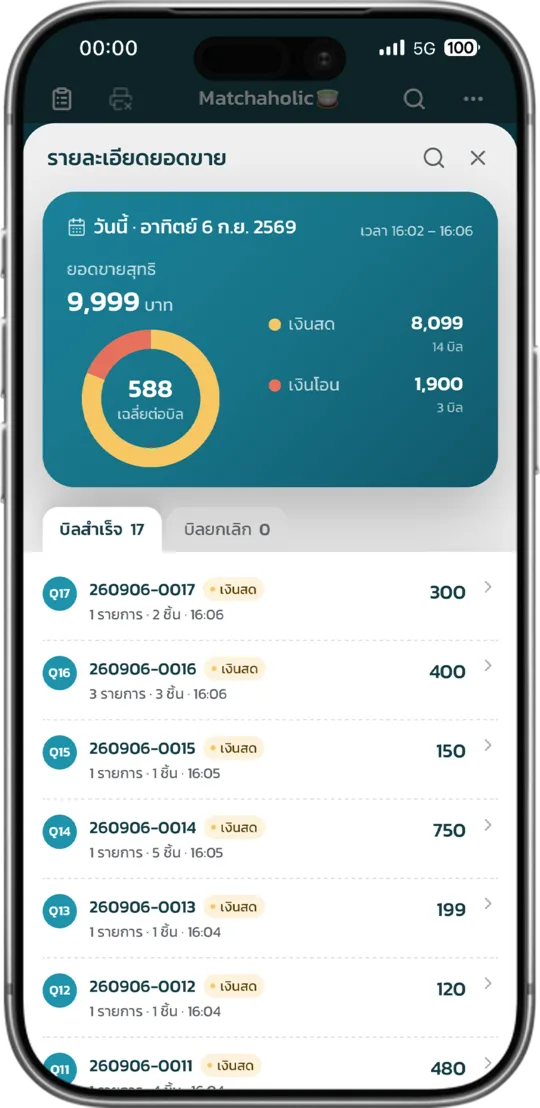
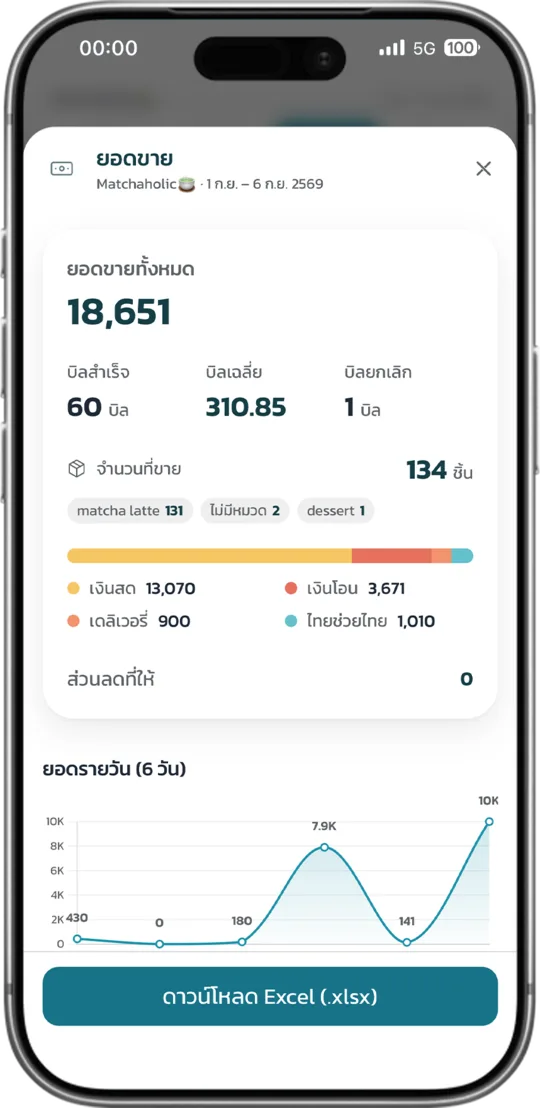
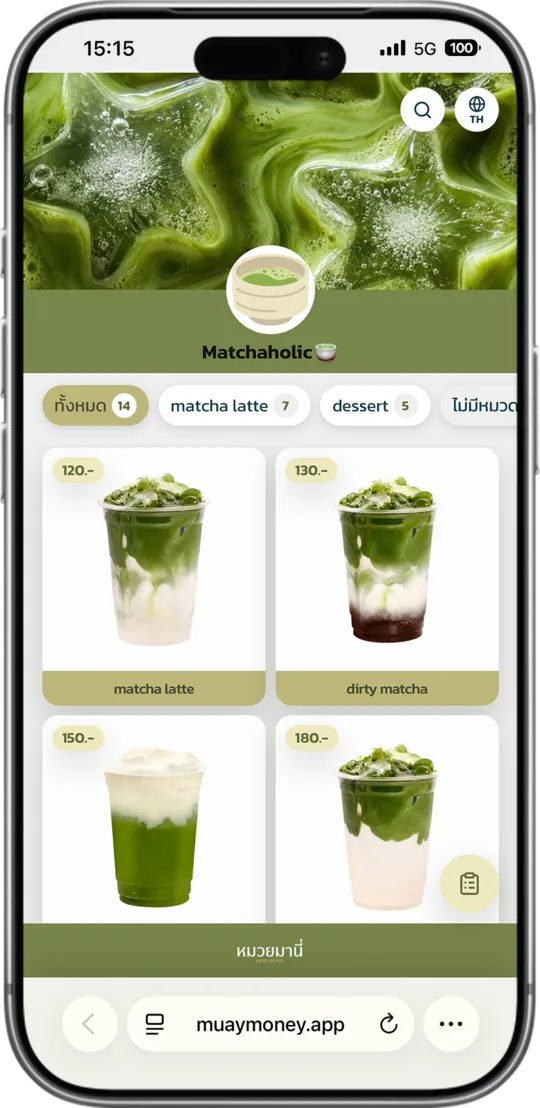
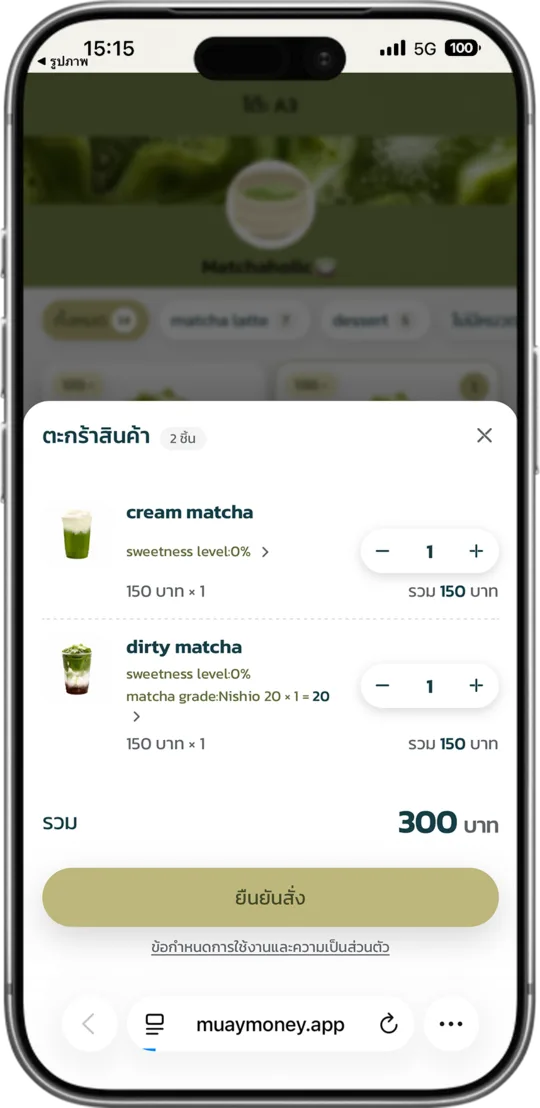
Users trust
หมวยมานี่
14,388

Muay Free
Free to use with no expiry date and no card details.
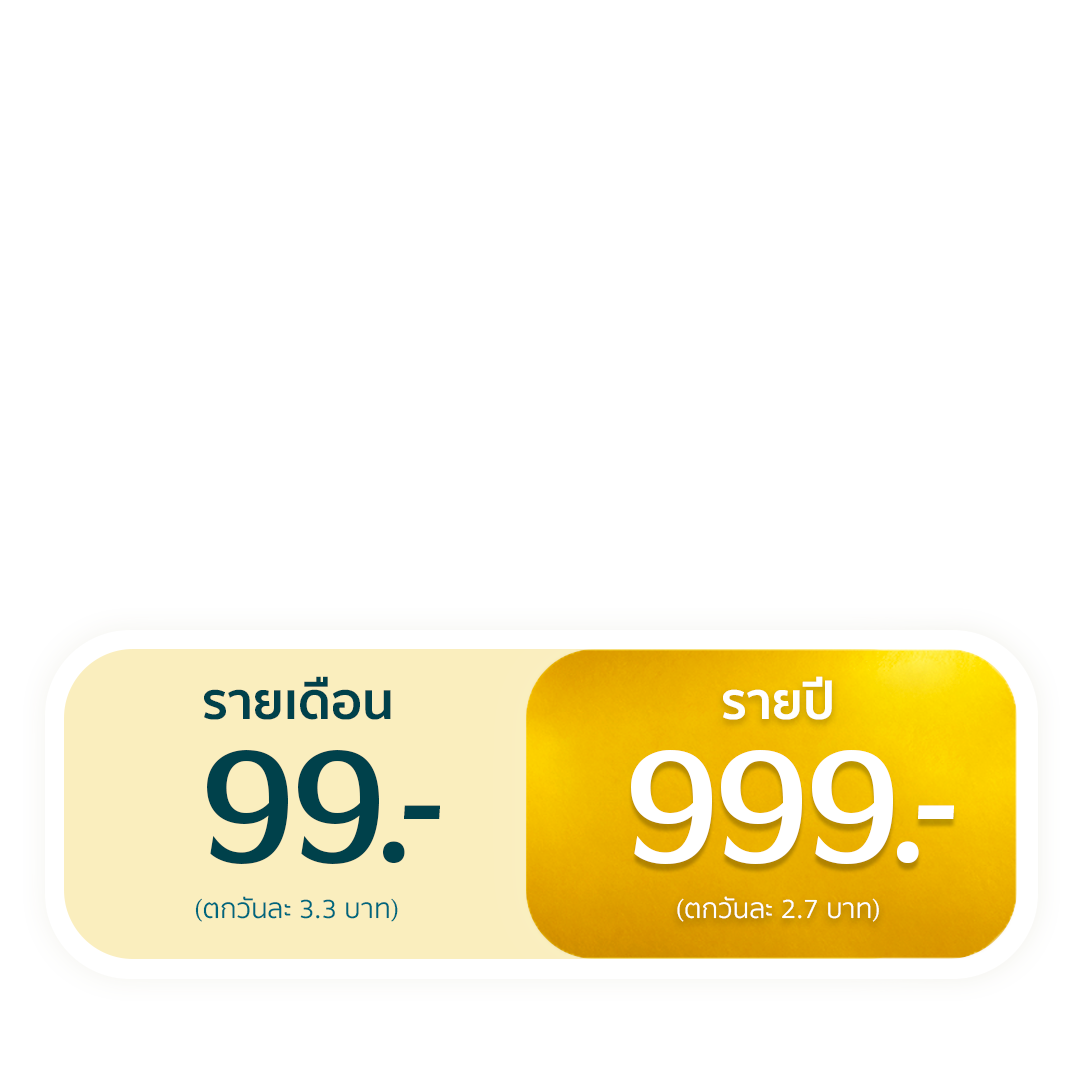
Muay Gold




Muay Business
In development
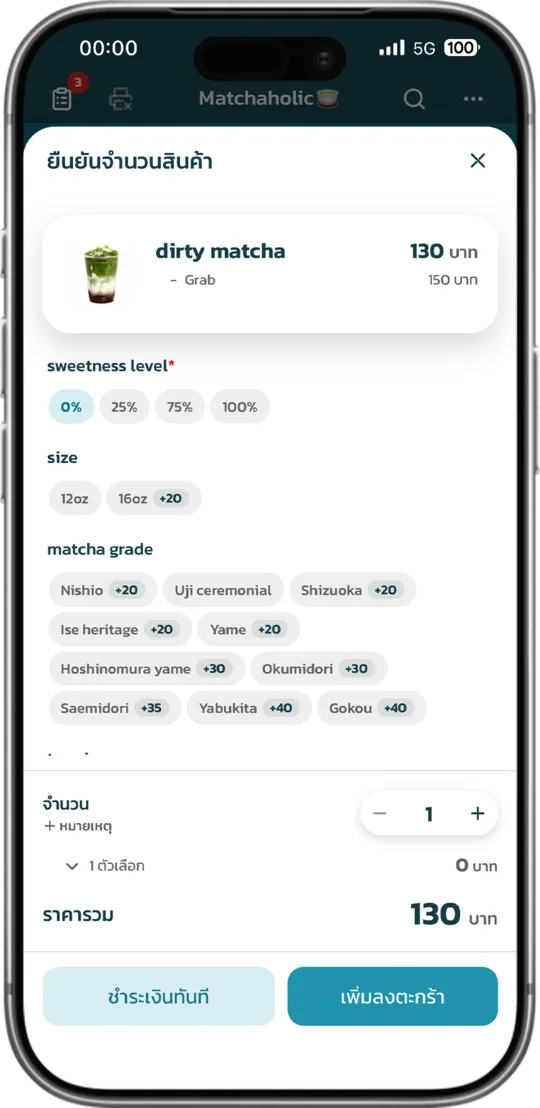
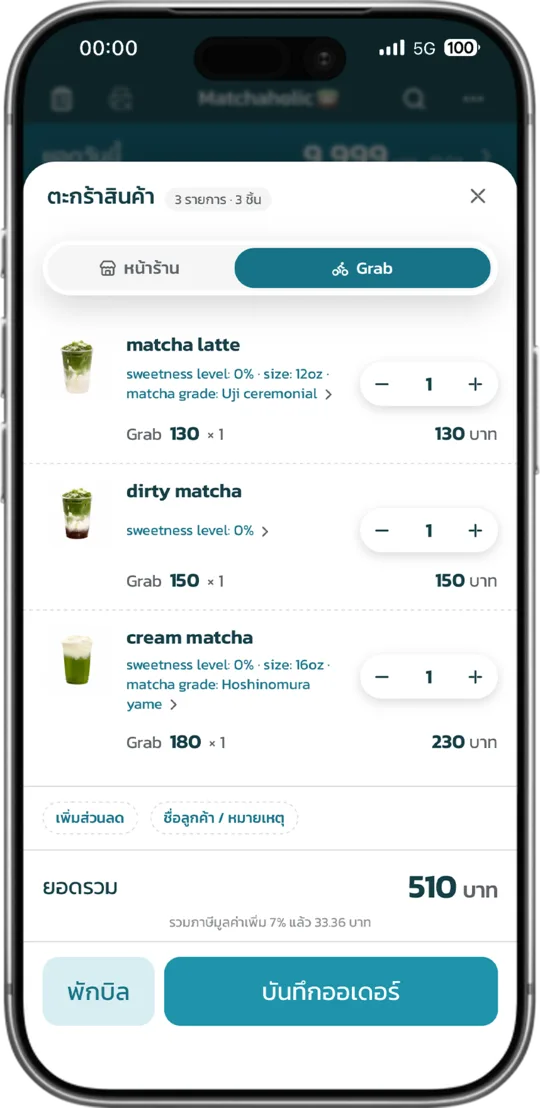
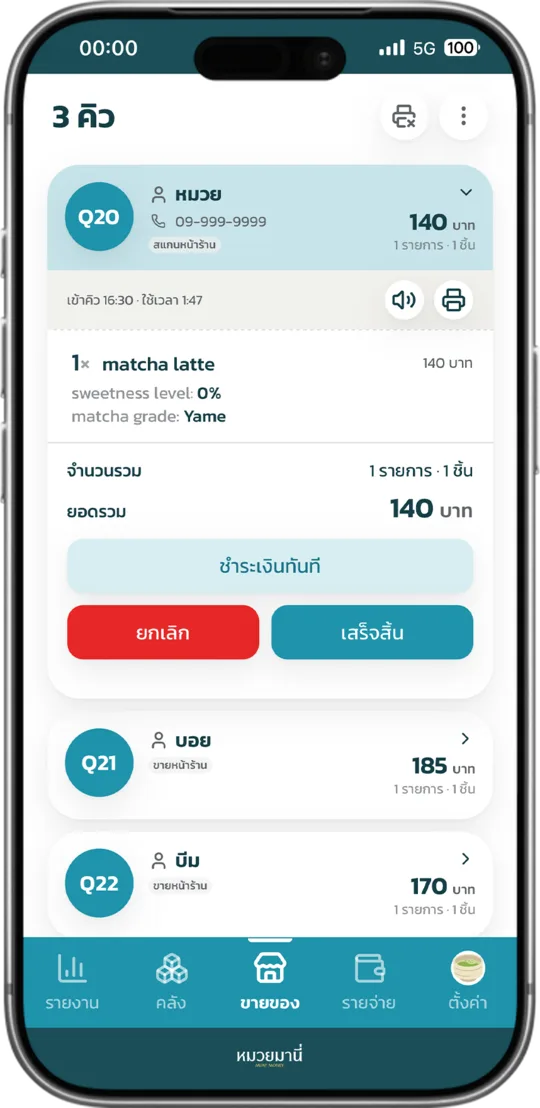
- Record sales
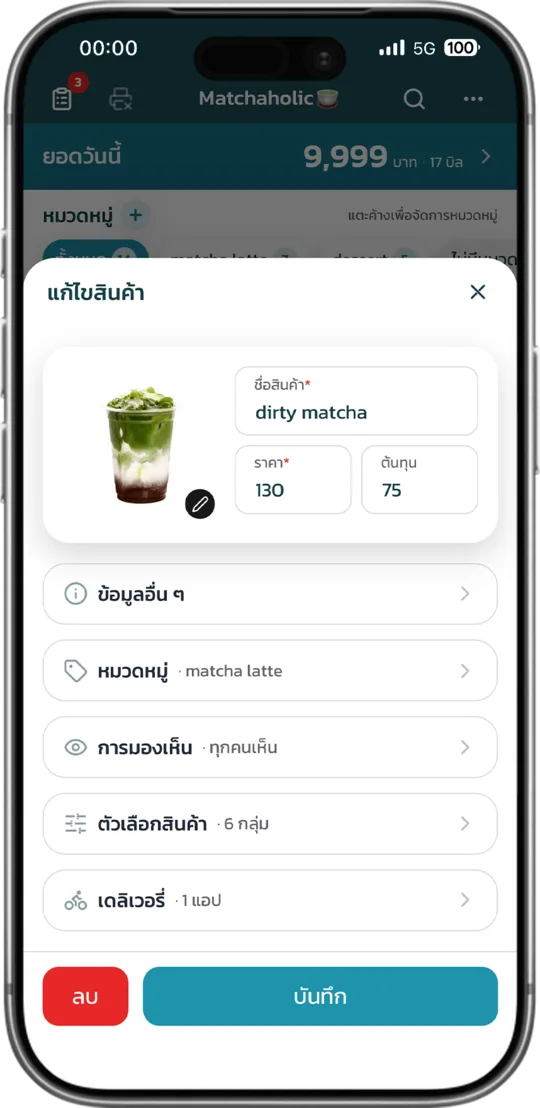
- 10 products
- 3 categories
- 1 shop, 1 owner, 1 staff member
- 14 days of report history
- Works on any device (LINE, web, app), anywhere, on several devices at once
Every feature unlocked


- Record past sales
- Sales reports for up to 1 year, downloadable as Excel
- 999 products, 99 categories
- Add unlimited co-owners and staff
- Stock tracking
- Daily and monthly expense records
- QR Order, customers scan to order at the counter or table
- Record delivery sales
- Print receipts, order slips or invoices
- Connect a cash drawer or barcode scanner
- Open and close the shop to get a daily sales summary
- Costs: fixed, variable, overhead and more
- Stock deducted by linked ingredient recipes (BOM)
- Customer purchase history, loyalty points and behaviour analysis (CRM)
- Two screens, one for the shop and one facing the customer (CDS)
- Lay out your table plan, take reservations in advance and manage the walk-in queue
- Manage staff, clock in and out, and set what each person can do (HRM)
- Take orders in advance (Preorder)
- Bookkeeping (Accounting)
- Orders from delivery apps come in by themselves, no retyping (Delivery)